Gallery
The gallery is divided into sections as described below. All entries show the code used to produce the example plot. Additionally there are links to download the code directly as source or as part of a jupyter notebook, these links are at the bottom of the page.
In order to successfully view the jupyter notebook locally so you may
experiment with the code you will need an environment setup with the
appropriate dependencies, see Installing Iris for instructions.
Ensure that iris-sample-data is installed as it is used in the gallery.
Additionally ensure that you install jupyter. The command to install both
is:
conda install -c conda-forge iris-sample-data jupyter
Once you have downloaded the notebooks (bottom of each gallery page), you may start the jupyter notebook via:
jupyter notebook
If you wish to contribute to the gallery see the Gallery section of the Contributing to the Documentation.
General
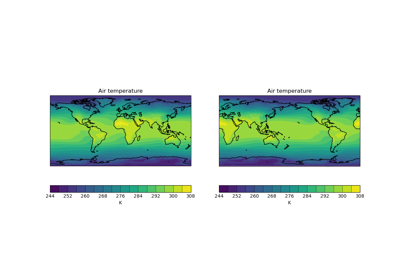
Figure 2 Quickplot of a 2D Cube on a Map
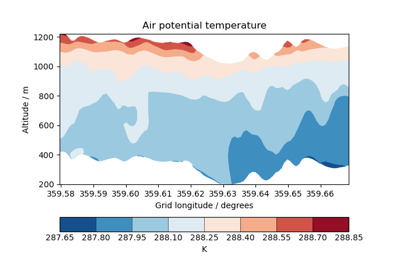
Figure 3 Cross Section Plots
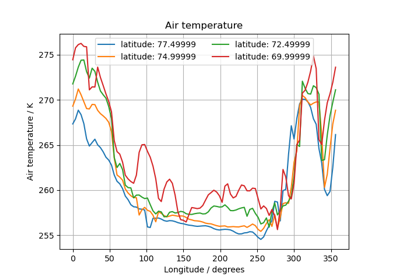
Figure 4 Multi-Line Temperature Profile Plot
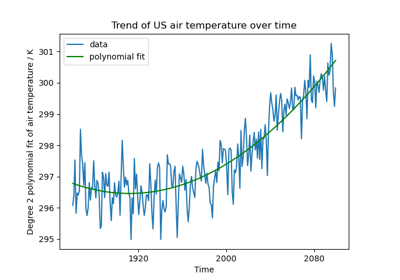
Figure 5 Fitting a Polynomial
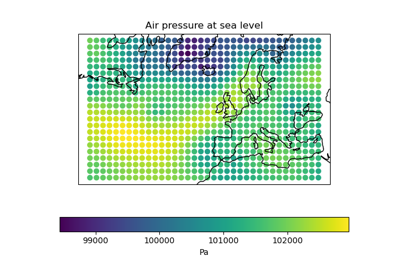
Figure 6 Rotated Pole Mapping
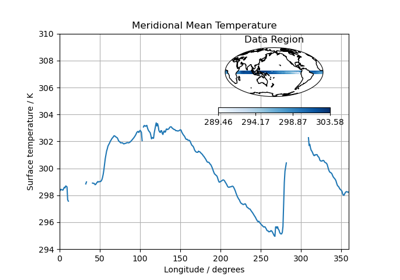
Figure 7 Test Data Showing Inset Plots
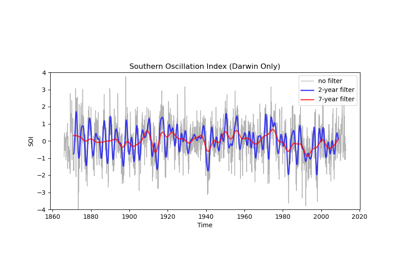
Figure 8 Applying a Filter to a Time-Series
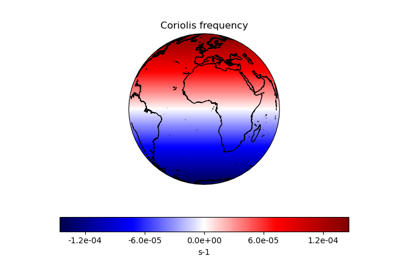
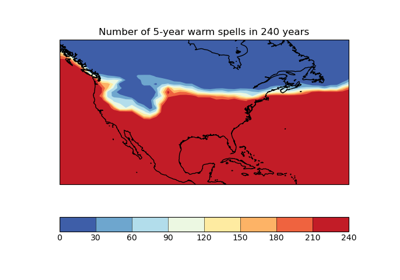
Figure 10 Calculating a Custom Statistic
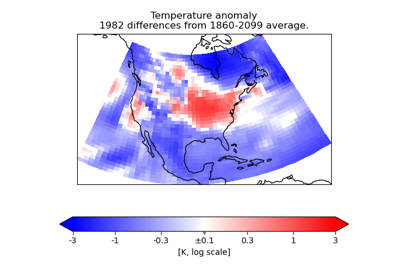
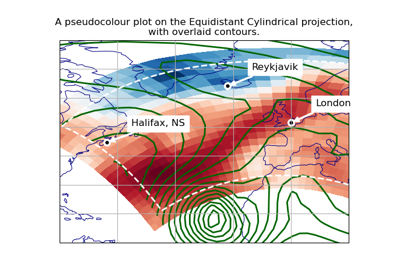
Figure 12 Plotting in Different Projections
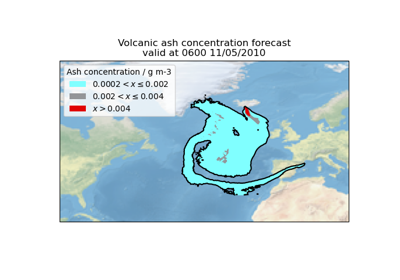
Meteorology
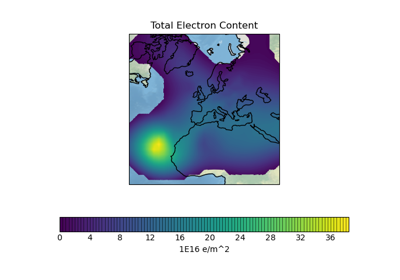
Figure 14 Ionosphere Space Weather
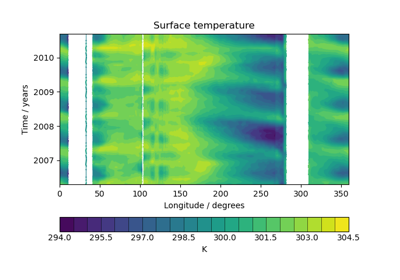
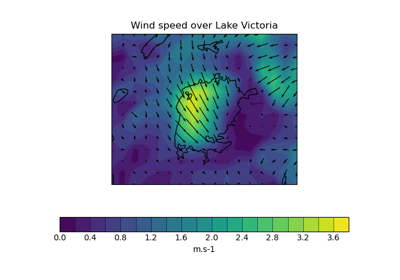
Figure 16 Plotting Wind Direction Using Quiver
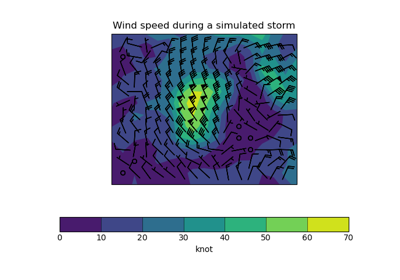
Figure 17 Plotting Wind Direction Using Barbs
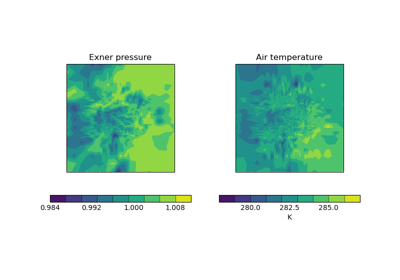
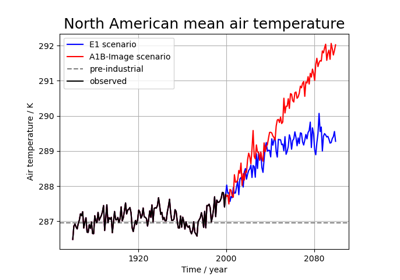
Figure 19 Global Average Annual Temperature Plot
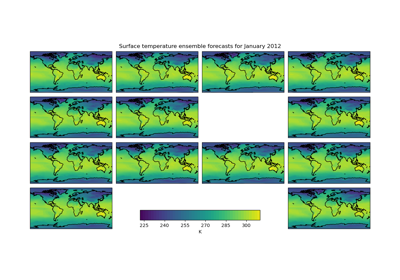
Figure 20 Seasonal Ensemble Model Plots
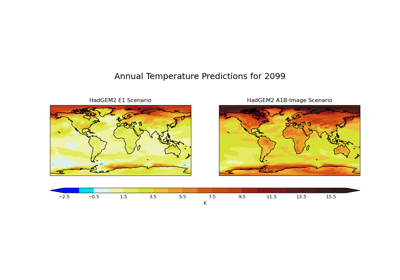
Figure 21 Global Average Annual Temperature Maps
Oceanography
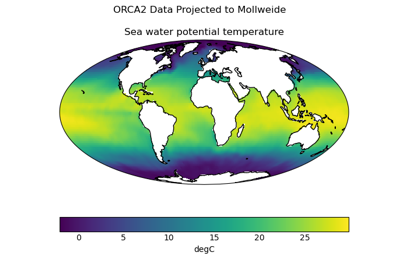
Figure 22 Tri-Polar Grid Projected Plotting
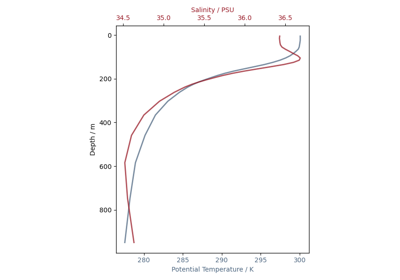
Figure 24 Oceanographic Profiles and T-S Diagrams